
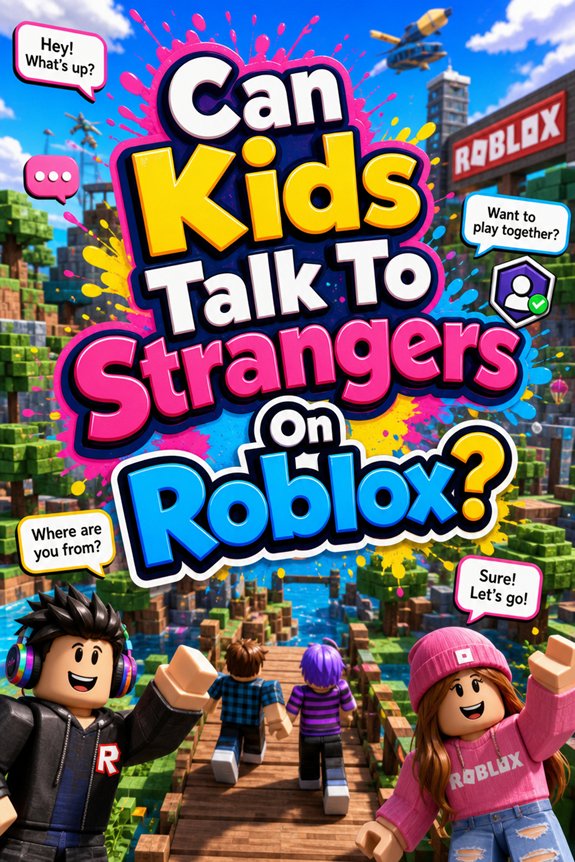
So, you’ve let your kid plunge into the world of Roblox, huh? Awesome! But wait—can they chat with strangers? That’s like asking if Luke should trust a random Sith in a dark alley! Sure, it’s fun and social, but there are risks lurking like a hidden boss in a dungeon. Let’s break it down. You might want to grab your lightsaber and get ready for some safety tips!
Is Roblox Really Safe for Kids?

So, you’re wondering if Roblox is a safe playground for your little Jedi?
Well, it’s got some solid Roblox features, like customizable avatars and epic mini-games.
But here’s the kicker—parental controls! You can set limits, block chats, and monitor gameplay.
Think of it like equipping your kid with a lightsaber of safety.
But remember, even the Death Star had its flaws.
It’s essential to keep an eye on what your little gamer’s up to.
What Are the Risks of Talking to Strangers on Roblox?
Let’s get real—Roblox is a blast, but chatting with strangers? Not so much. You might think it’s all fun and games, but there are real risks lurking in the pixelated shadows.
Stranger dangers and online predators are serious business, my friend. Imagine you’re on a quest, and instead of a friendly NPC, you meet a sketchy character trying to steal your loot!
But don’t let fear ruin your fun. Stay smart, keep your guard up, and remember: not everyone in the game is a hero.
Choose your allies wisely, or you might end up in a digital dungeon you can’t escape!
How to Ensure Safety With Privacy Controls on Roblox
While it’s all fun and games in the Roblox universe, you’ve got to level up your safety game too.
Start by diving into those privacy settings. Seriously, they’re your best friends! You can adjust who can chat with you and even block those pesky strangers.
And don’t forget the chat filters! They’re like a shield against unwanted words—think of them as your Jedi defense against the dark side of online chatter.
Recognizing Unsafe Interactions
Before you dive headfirst into the pixelated fun of Roblox, it’s essential to keep an eye out for those red flags in chats.
You wouldn’t let a Sith Lord into your Jedi Council, right? Same goes for strangers online!
Watch for weird questions or requests. If someone’s pushing for personal info, that’s a big no-no.
Stranger awareness is your secret weapon!
And if you feel uneasy, trust that gut feeling—like when you realize that last slice of pizza isn’t meant for you.
Stay sharp! Keep those online red flags in sight, and you’ll level up your safety game!
Teaching Kids About Online Etiquette

So, you’ve got the hang of spotting those sketchy strangers. Awesome!
Now let’s plunge into online etiquette.
Respect is key in online communication, just like in a lightsaber duel—one wrong move, and you’re toast!
Teach your kids to be polite, kind, and to think before they type.
And hey, remind them that digital respect goes a long way.
Just like in Dungeons & Dragons, teamwork makes the dream work!
Encourage them to treat others how they’d want to be treated.
How to Communicate Openly With Your Child
Ever wondered how to access the secret level of communication with your kid? You’ve gotta *open* that dialog! Start by asking questions about their day—like a Jedi probing for the Force.
Trust building is key here, my friend. Share your own stories, too. Kids love a good dad fail—like that time you tried to beat the final boss in a game but ended up in a rage quit.
And remember, it’s not about interrogation; it’s about connection. Create a safe space where they feel they can talk about anything, even if it sounds as crazy as a Marvel plot twist!
Tools for Parents to Monitor Gaming Activity
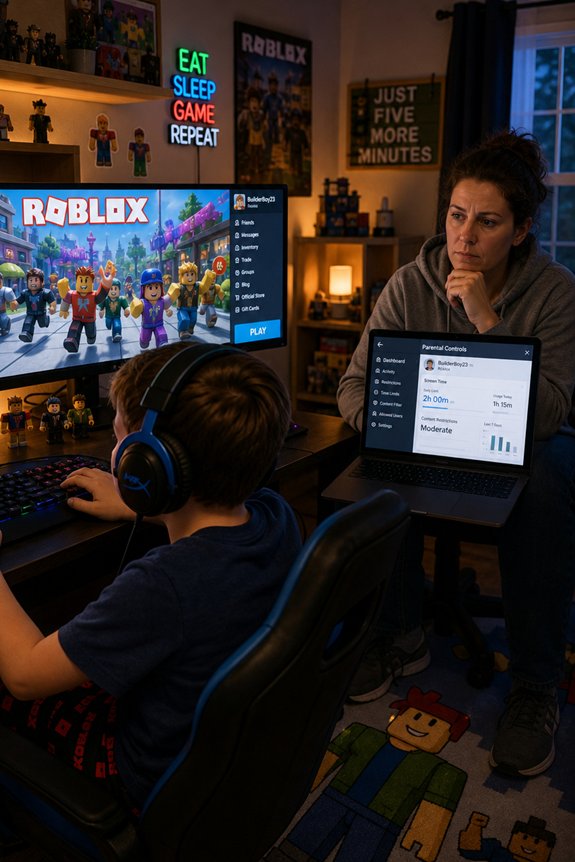
You want to keep tabs on your kid’s gaming escapades, right? Here’s the deal: monitoring apps are your secret weapon. They track activity logs and even let you tweak game settings.
Use parental controls to limit screen time—because let’s be real, kids can turn into zombies!
And hey, don’t forget those communication tools. You can set gaming guidelines and share safety resources, just like a Jedi teaching a young Padawan.
Seriously, it’s like being the ultimate game master, ensuring your kid battles safely in their virtual worlds.
Balancing Freedom and Safety in Online Gaming
While gaming can feel like a wild ride through the galaxy, it’s essential to strike a balance between letting your kid explore and keeping them safe from the dark side of the internet. You want them to make online friendships, but freedom limits are vital!
Set gaming boundaries. Think of it like a superhero suit—protective yet empowering.
Your parental involvement can be the ultimate power-up! Talk about what’s cool and what’s not.
And remember, it’s not just about the missions they conquer; it’s about traversing the online universe safely.
What to Do if Your Child Encounters Trouble on Roblox?
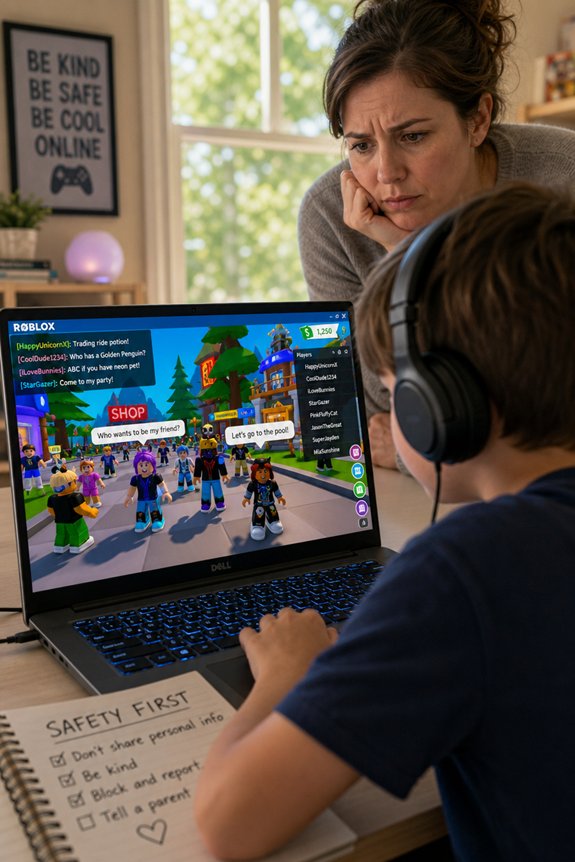
When the digital world turns dark and your kid faces trouble on Roblox, don’t hit the panic button just yet. First, breathe. You’ve got parental guidance on your side!
Encourage your child to use the reporting mechanisms Roblox offers. Seriously, it’s like having a superhero sidekick! Talk it out; ask them what happened.
And yes, remind them that not all avatars are friendly. Think of it like meeting a Sith in a galaxy far, far away—best to steer clear!
Stay engaged, be their trusted Jedi, and help them navigate the pixelated chaos. You’ve got this!
FAQs
Can Kids Block or Mute Strangers on Roblox?
Absolutely, you can block or mute strangers on Roblox! It’s like having a Force field against noobs who just won’t quit.
The blocking options are your lightsaber—slice away those pesky players. And if you just need some quiet, the muting features are your Jedi mind trick. Poof! Silence.
You’re not just a player; you’re the hero of your own gaming saga. So go on, take control of your virtual world!
Are There Age Restrictions for Chatting on Roblox?
You bet there are age restrictions for chatting on Roblox! Kids under 13 can only chat with friends. It’s all part of those chatting guidelines and safety measures.
Think of it like a Jedi’s lightsaber—use it wisely!
And hey, if you’re over 13? You get more chat freedom, but keep your wits about you!
What Should Kids Do if Someone Is Rude?
If someone’s being rude, first, don’t engage. Seriously, don’t channel your inner Jedi and start a lightsaber duel!
Instead, use online etiquette: block or mute ‘em. You’ve got the power!
Then, report it. Remember, safe communication is key!
And hey, talk to your pals about it. Conflict resolution isn’t just for Dungeons & Dragons, my friend.
You’re not alone in this virtual quest. Keep it cool!
Can Kids Report Inappropriate Behavior on Roblox?
You can report inappropriate behavior on Roblox using their handy reporting mechanisms. It’s like having a superpower! Just click that report button when you see something fishy.
Your online safety matters, and Roblox takes it seriously.
And hey, don’t feel bad about it. Even superheroes need backup! So, if someone’s acting like the villain in your favorite comic, don’t hesitate. Report them and keep the game fun for everyone!
How Can Kids Find Friends Safely on Roblox?
Remember, your squad should be epic, not sketchy!
Final Thoughts
So, in the epic quest of Roblox, you’ve got to be the wise Jedi parent. Keep those safety shields up! Talk to your kids about the dark side of chatting with strangers. And remember, it’s not just about slaying dragons; it’s about spotting trolls, too! Equip your kid with the tools they need to navigate these virtual lands safely. So, suit up, have those chats, and let them explore while you keep an eye out—like a trusty sidekick!